Install PulseWrite
Less than a minute. Works on every Chromium browser.
v1.0 · MIT licensed · ~120 KB
Step 1
Download the ZIP
Click the button above. The packaged extension downloads to your computer.
Step 2
Unzip the file
Double-click the .zip to extract the PulseWrite folder anywhere you like.
Step 3
Open chrome://extensions
Paste chrome://extensions into your address bar. Works on Chrome, Edge, Brave and Arc.
Step 4
Enable Developer mode
Toggle the switch in the top-right of the extensions page.
Step 5
Click “Load unpacked”
Select the unzipped PulseWrite folder. You’re live — focus any text field to see it work.
Coming soon to the Chrome Web Store. We're submitting PulseWrite for one-click install. In the meantime, the unpacked install above works identically.
See it in action
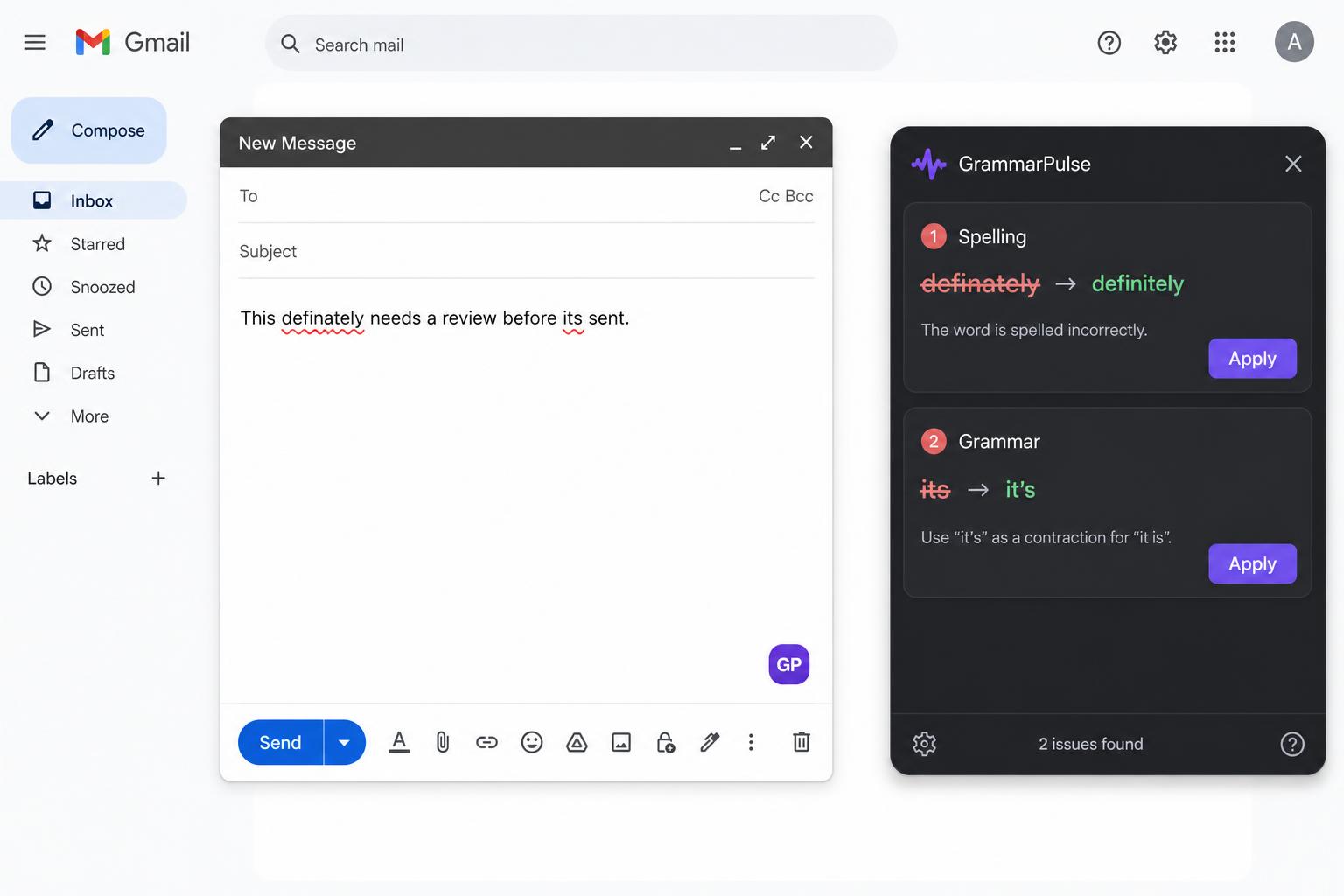
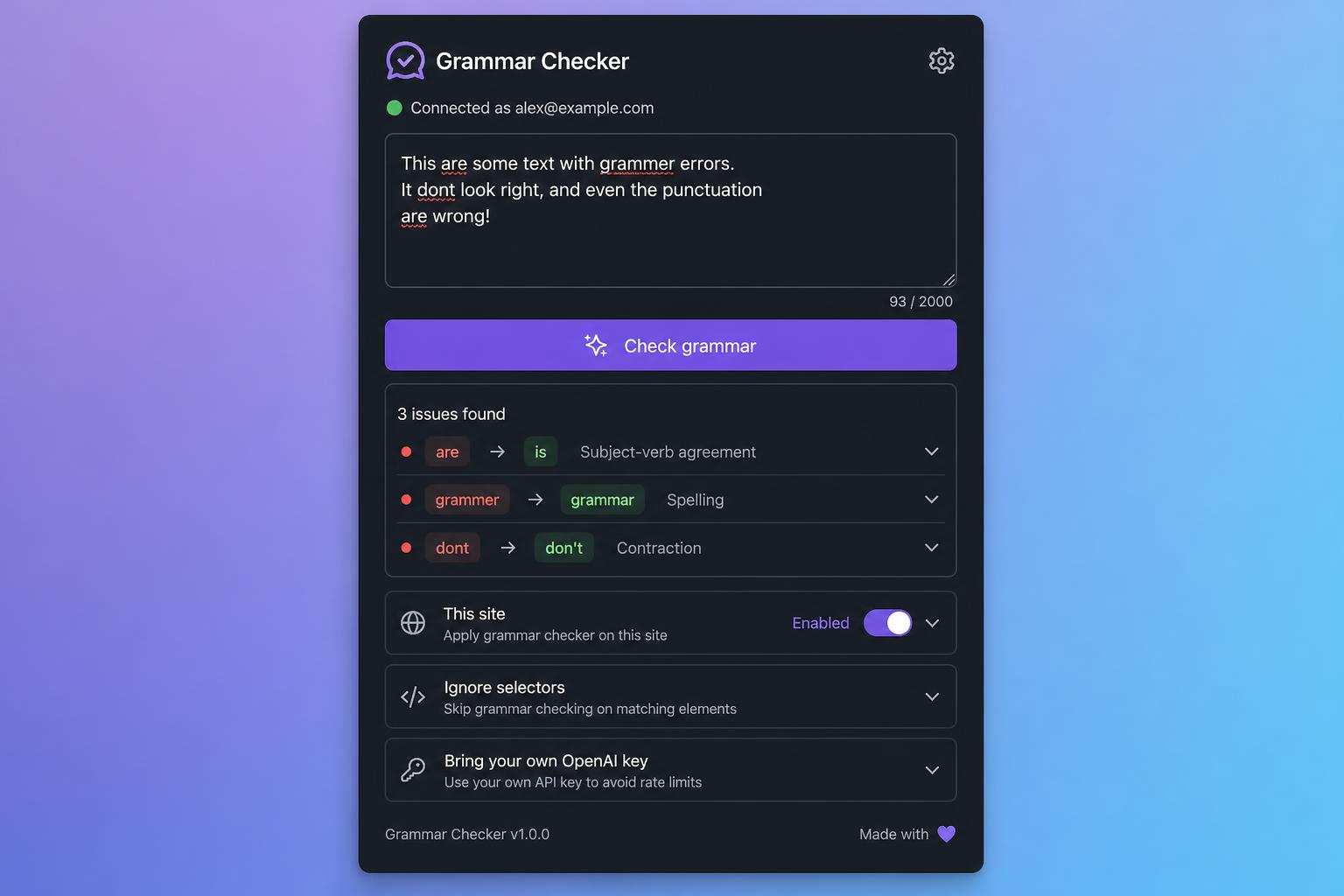
PulseWrite works in every editable field — pick your model, pick a tone, rewrite.